01
Distinguish projects and monthly services
Quotes can present recurring services and one-off work. Review the scope of each proposal so the sales conversation has a clear reference.
AT A GLANCE
Agencies manage project proposals, monthly services and prospects at different stages. An agency CRM helps distinguish sales opportunities from delivery work: who is considering a proposal, what service was offered and what follow-up is due. Madflow brings contacts, the pipeline and quotes together to organise that sales activity.
IN YOUR WORKING DAY
01
Quotes can present recurring services and one-off work. Review the scope of each proposal so the sales conversation has a clear reference.
02
Use pipeline stages and tasks to review open proposals, plan the next call and distinguish negotiations from early enquiries.
IN YOUR WORKING DAY
01
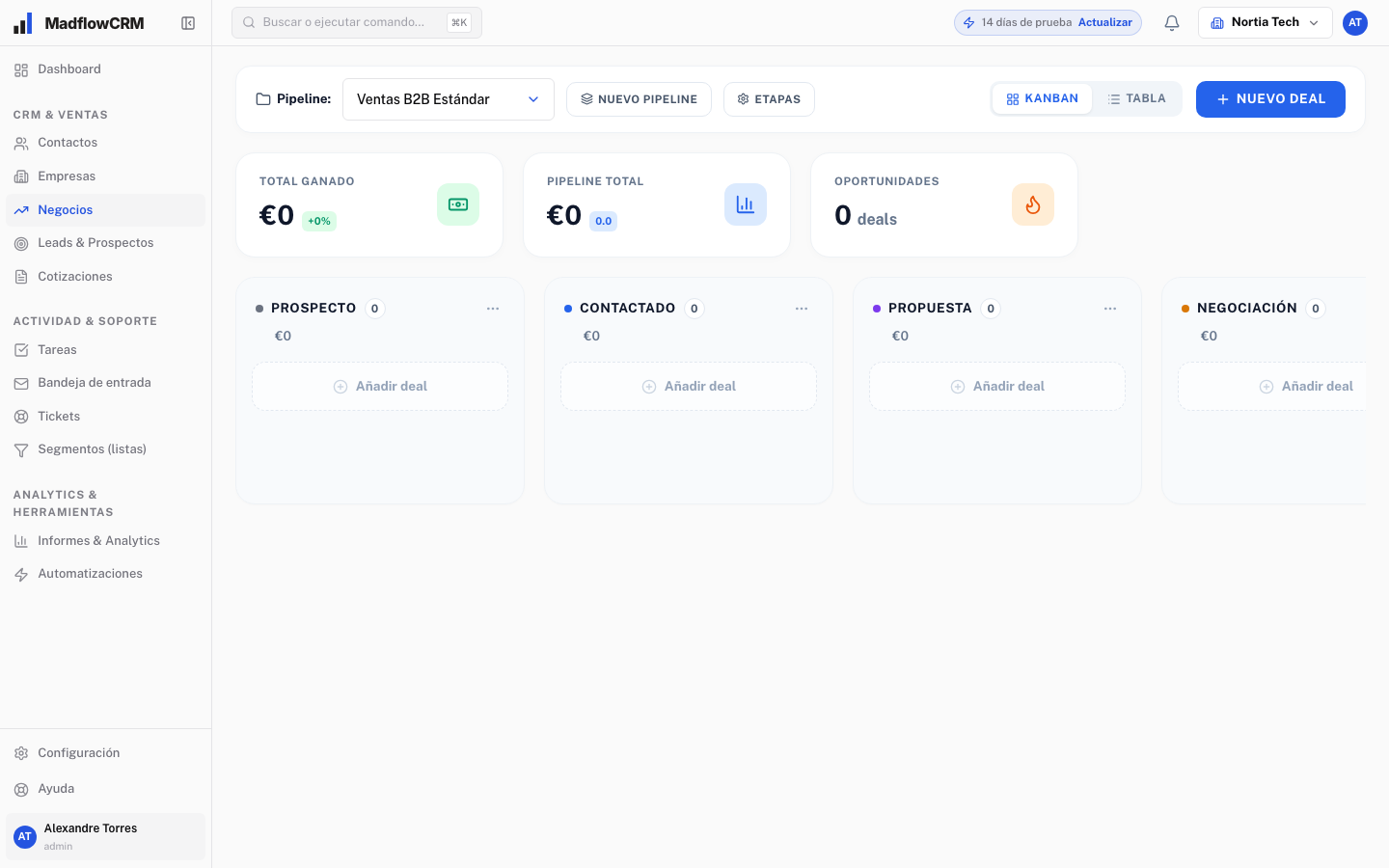
A company requests an SEO and advertising proposal. Record the contact, open an opportunity, prepare a quote with the services and move it to the proposal-sent stage. Define the follow-up task and update the stage when you receive a reply. This is a workflow example, not a customer results case study.
02
List your current stages, the data you need and recurring tasks. Check how proposals are created, how your team is organised and what information needs importing. The demo should cover these needs using a specific business example.
03
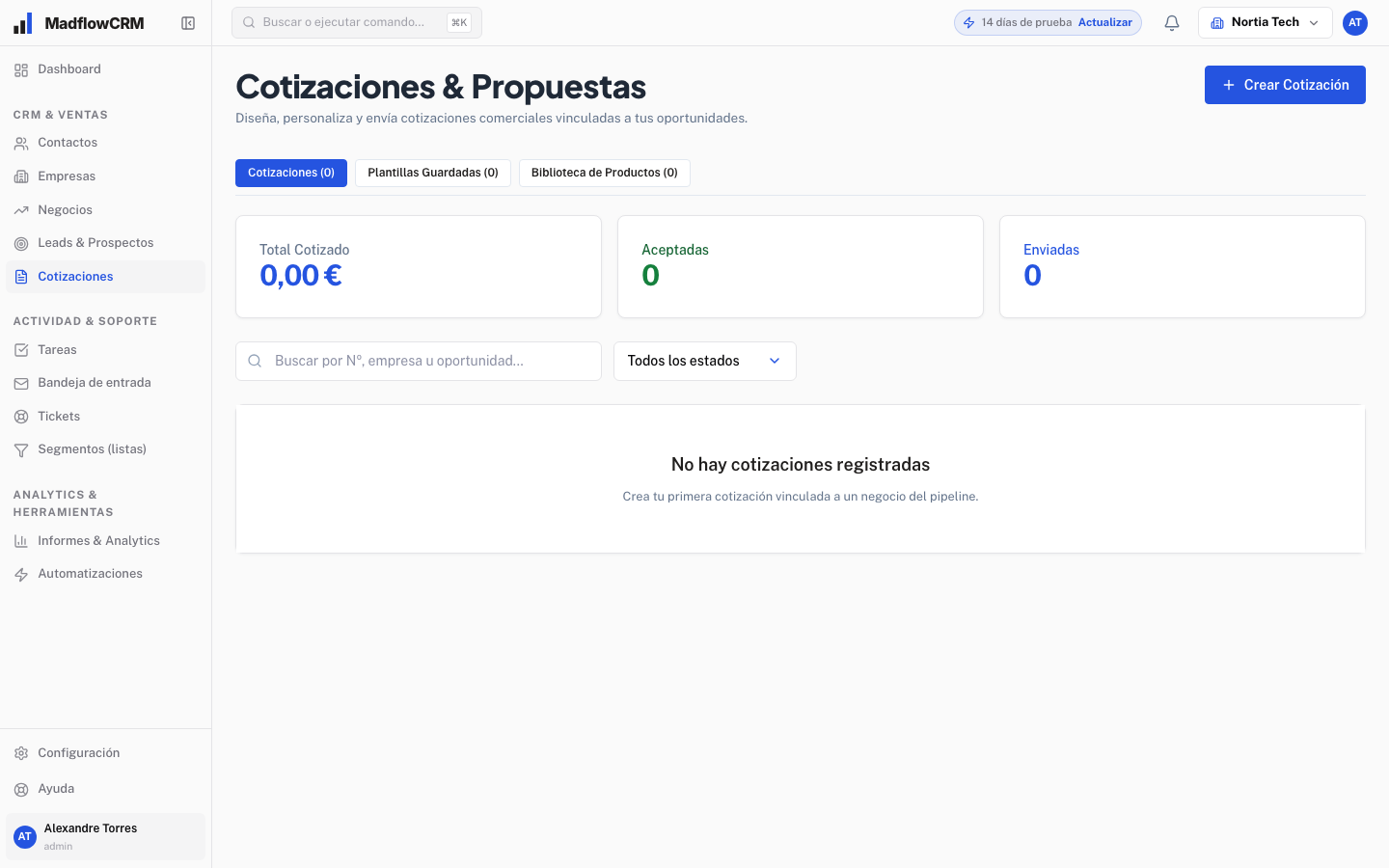
A website redesign proposal has a scope and deliverables. A monthly SEO proposal needs clear services and continuation terms. Madflow quotes can present monthly fees and one-off projects. Describe the offer clearly so your team can resume negotiations. Review how amounts and terms are represented in the demo; quotes alone do not establish recurring billing or campaign management capabilities.
04
An agency might start with enquiry received, discovery, proposal sent and negotiation, followed by won or lost outcomes. These are example stages to adapt. Discovery ends when needs and scope are understood; proposal sent means the customer has an offer to assess; negotiation means specific terms remain unresolved. Madflow supports configurable stages. Agreeing on their meaning helps review proposals without treating early interest as a near agreement.
05
Bring a typical proposal, your stage definitions and a sample of the data you need to import. Review how to record the company and contacts, prepare a quote, identify the opportunity and organise follow-up tasks. Ask about users, permissions, automation scope, terms and support. If you also need campaign delivery, recurring billing or deliverable management, request explicit confirmation of that coverage before deciding. Evaluate the product against your real workflow.
GETTING STARTED
01
Explain where opportunities come from, who handles them and what happens after a proposal is sent. This gives your demo a useful starting point.
02
Walk through the pipeline, contacts, tasks and quotes using a case from your business. Check what each person needs to do their work.
03
Agree on users, stages, starting data and terms before signing up. If you are moving from another tool, also discuss import requirements and the support you need.
A FEW MORE ANSWERS
This page focuses on sales work: contacts, opportunities, proposals and follow-ups. Campaign delivery tools and processes need a separate review. Use the demo to clarify which parts of your operation you want to cover.
Book a demo and tell us how your team works. The session is an opportunity to review the product, ask questions and agree on the scope and terms your company needs.
The Madflow team prepares a proposal after understanding your needs. Ask about what is included, user numbers, setup and support before making a decision.
Bring your sales process to the demo. We will review your needs and how Madflow can help.