01
Know what needs your attention
Opportunities are organised by stage. Review negotiations, proposals waiting for a reply and where work is building up before deciding who to contact.
Bring contacts, your pipeline and sales follow-ups together. Quotes, tasks and automation in one CRM for your sales team.
AT A GLANCE
Madflow CRM is sales management software for teams that need to organise contacts, companies and sales opportunities. It combines a configurable Kanban pipeline, follow-up tasks, PDF quotes and sales metrics. See where each deal stands and prepare its next action in one shared workspace.
IN YOUR WORKING DAY
01
Opportunities are organised by stage. Review negotiations, proposals waiting for a reply and where work is building up before deciding who to contact.
02
Tasks and reminders turn the next step into a specific action. Automation can create follow-up tasks when a deal changes status.
03
Work with contacts, companies and quotes in the same CRM. Generate PDF proposals and use your pipeline to keep a sales view of outstanding work.
IN YOUR WORKING DAY
01
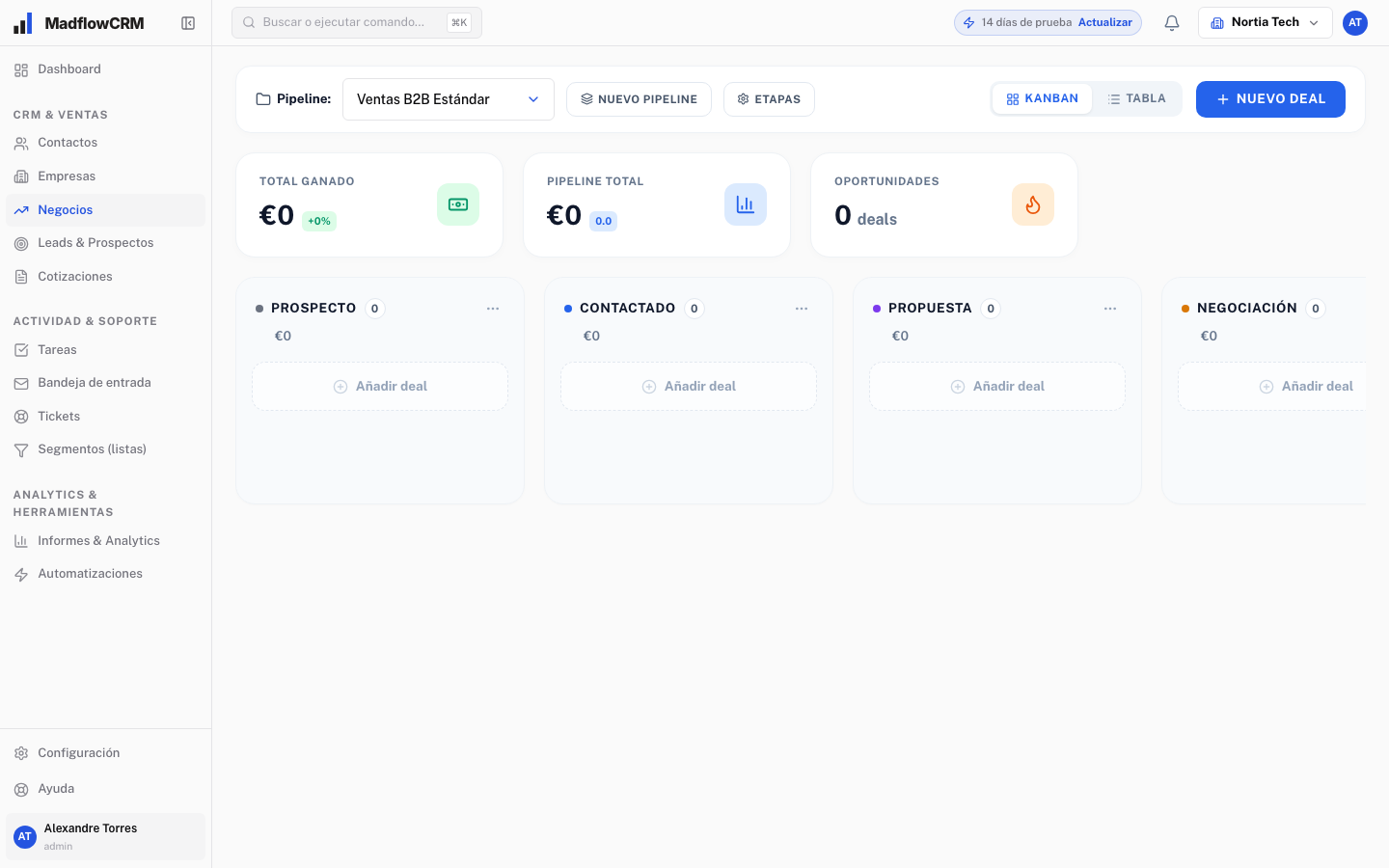
See opportunities in columns and drag deals between stages. Add, rename, reorder and colour stages in settings. Distinguish a new enquiry, a pending meeting, a sent proposal or an active negotiation. Your team gets a shared way to understand the status of each sale.
02
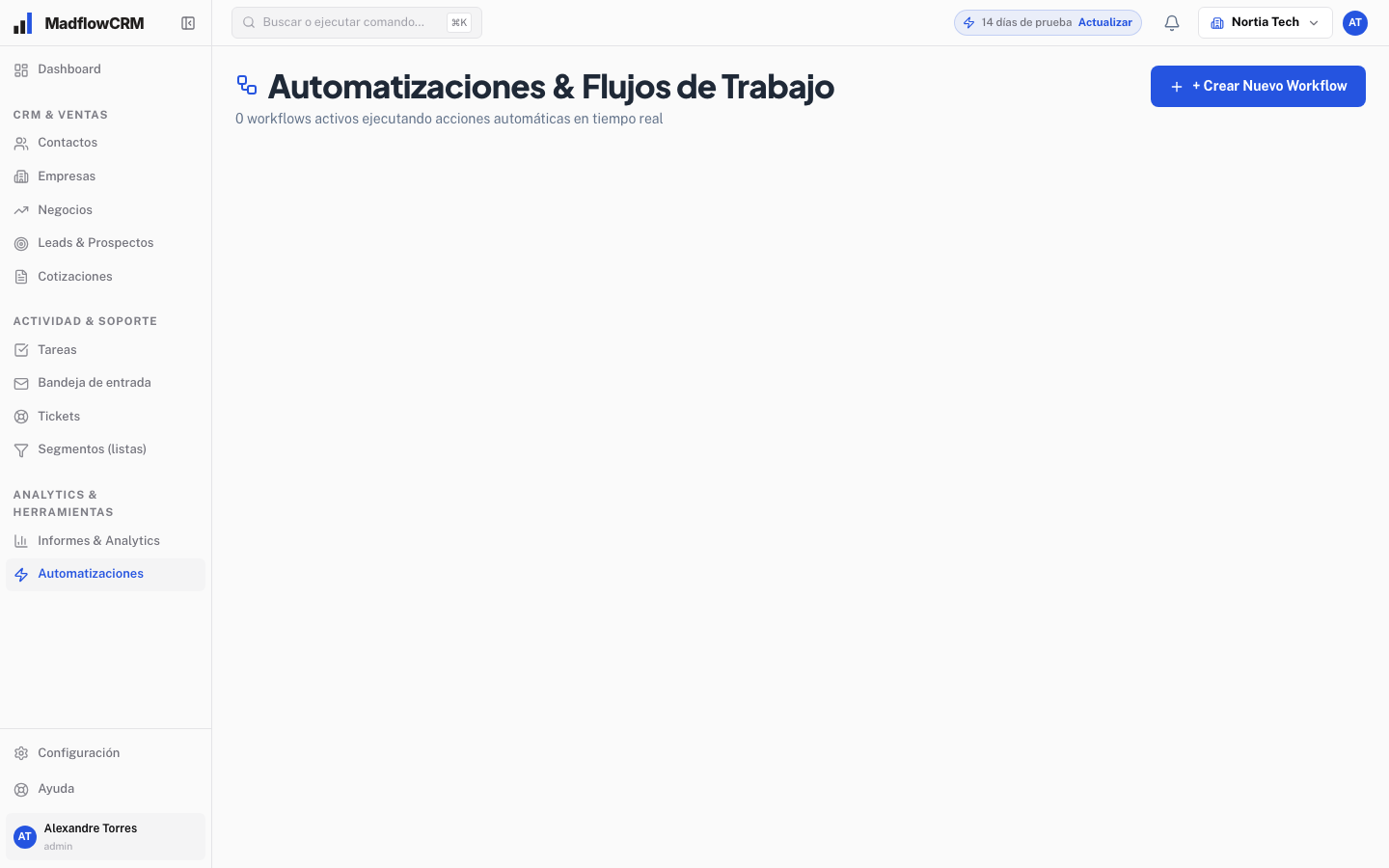
Native automation can generate tasks and reminders when a deal changes status. Discuss the rules your team needs in the demo, such as preparing a follow-up after a proposal is sent. A useful rule has a clear trigger, a defined action and an owner who knows their responsibility.
03
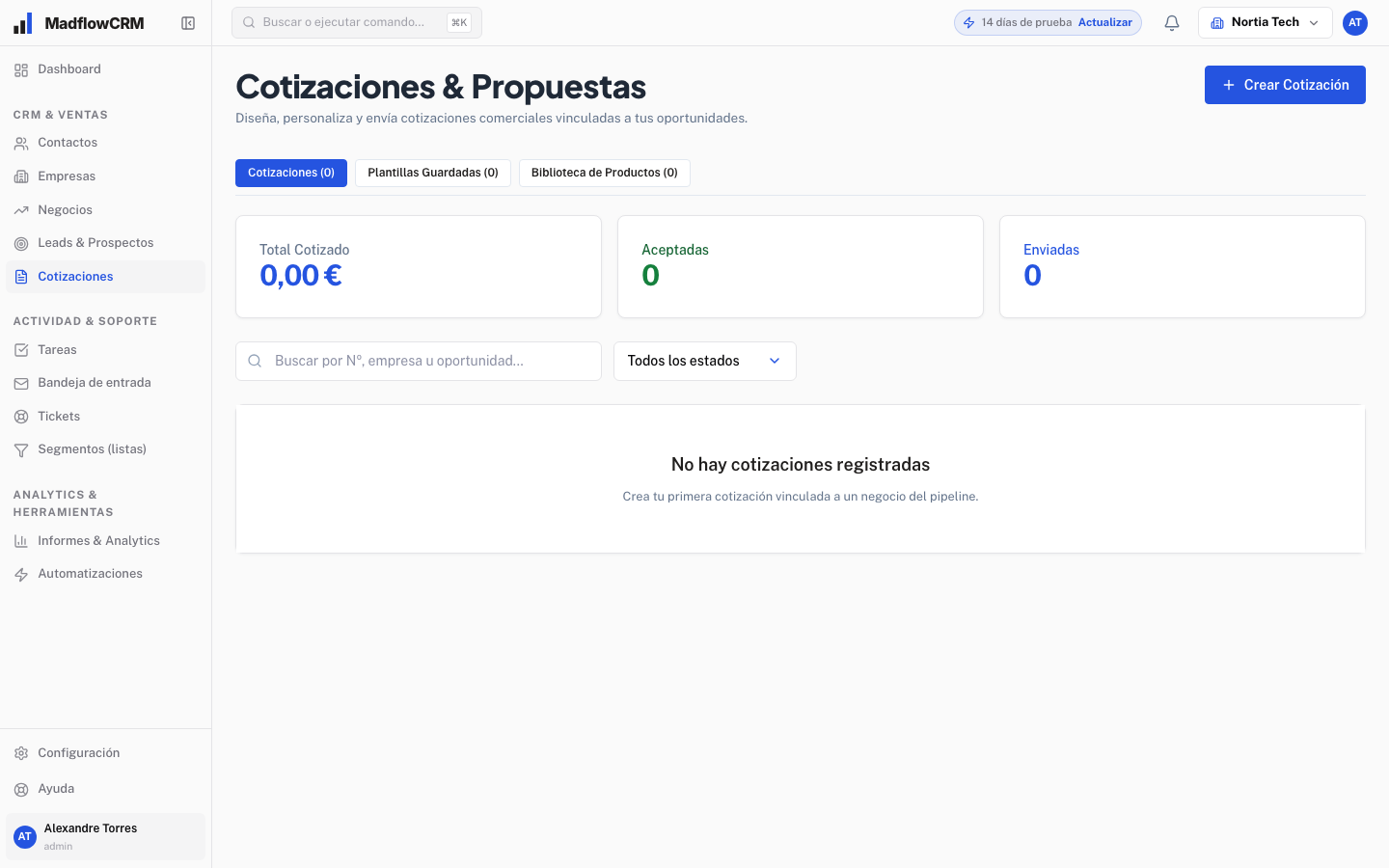
PDF quotes are part of the CRM. An agency can present monthly services and one-off projects; a renovation company can set out quote items. Keeping the proposal alongside your sales work makes it easier to review what you offered and what conversation needs to happen next.
04
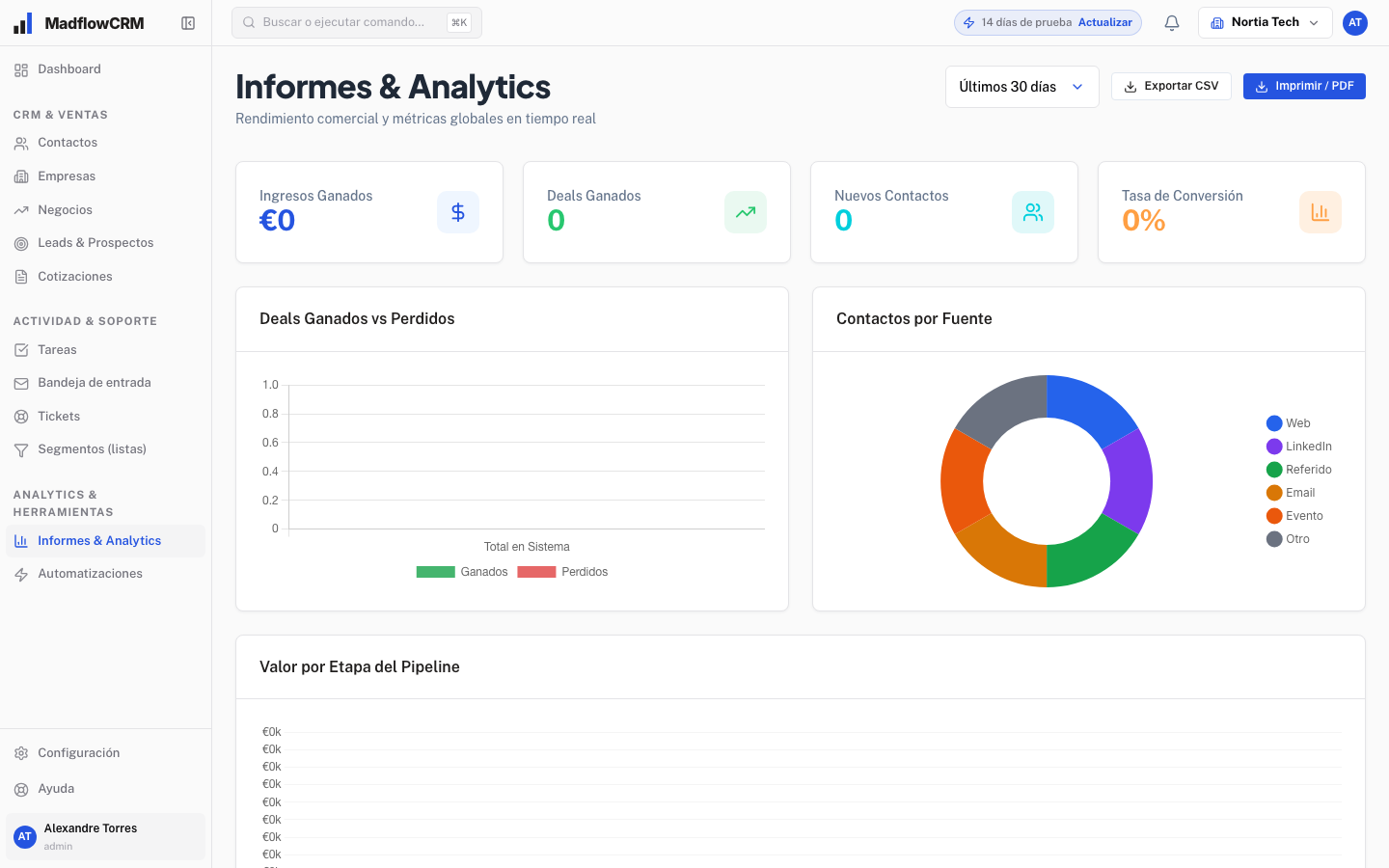
Review sales metrics, performance by salesperson, revenue forecasts and conversion rates. Reports help you identify stages that need attention and opportunities supporting your forecast. Their value depends on your team keeping sales information up to date.
05
A shared spreadsheet can be enough while your team keeps data and follow-ups current. Consider a CRM when deal ownership is unclear, quote versions diverge or the next action relies on someone remembering a conversation. Madflow brings together contacts, companies, the pipeline, quotes and tasks. Assess whether that organisation addresses your team’s problems before choosing it.
06
Workflow example: after a meeting, prepare the PDF quote and move the deal to “Proposal sent”. Agree what the customer will review and create a task for the next conversation. If they confirm the scope, update the stage; if they request changes, revise the proposal before progressing. Status-based automation can help generate tasks. Define the rules with your team and check their behaviour in the demo: sending a PDF alone does not confirm a sale.
07
Madflow describes importing contacts, companies and deals via CSV or Excel. Before moving files, separate these entities, review duplicates and standardise company and stage names. Keep a copy of the source and agree which fields and relationships the import supports. A small sample lets you review the result before loading the rest; confirm the procedure, permissions and setup support included in your proposal with Madflow.
GETTING STARTED
01
Explain where opportunities come from, who handles them and what happens after a proposal is sent. This gives your demo a useful starting point.
02
Walk through the pipeline, contacts, tasks and quotes using a case from your business. Check what each person needs to do their work.
03
Agree on users, stages, starting data and terms before signing up. If you are moving from another tool, also discuss import requirements and the support you need.
A FEW MORE ANSWERS
The product website presents use cases for agencies, consulting, real estate, installers and renovation, and B2B SaaS. They share a process involving contacts, opportunities, proposals and follow-ups. Explore your industry case and discuss it in a demo.
Yes. Add, rename, reorder and colour stages from Settings. Define what entering and leaving each stage means so your team uses the pipeline consistently.
The product website describes importing contacts, companies and deals through CSV or Excel. Before migrating, review fields, duplicates, record relationships and supported formats with the Madflow team.
You can invite team members from Settings. User numbers are agreed during the initial meeting; also confirm the permissions and account structure your company needs.
Book a demo and tell us how your team works. The session is an opportunity to review the product, ask questions and agree on the scope and terms your company needs.
The Madflow team prepares a proposal after understanding your needs. Ask about what is included, user numbers, setup and support before making a decision.
Bring your sales process to the demo. We will review your needs and how Madflow can help.