01
Keep account context
Organise companies and contacts to understand who you are speaking to and which opportunity is active. Review what information each team member needs.
AT A GLANCE
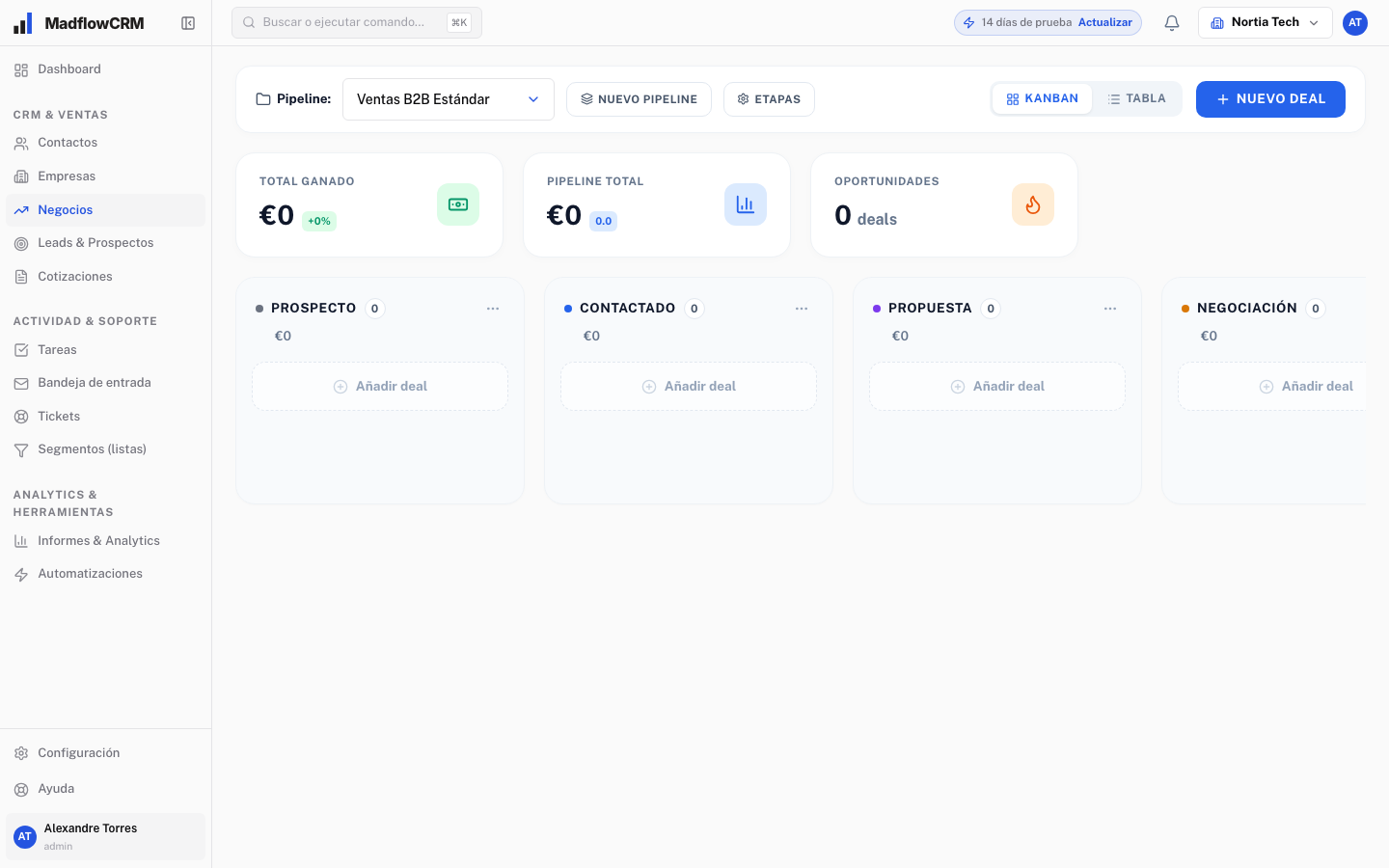
Selling professional services often involves discovery meetings, scope definition and quote reviews. A consulting CRM helps preserve context when several people are involved or decisions take time. Madflow organises contacts and companies, visualises sales stages and keeps tasks and quotes within the same process.
IN YOUR WORKING DAY
01
Organise companies and contacts to understand who you are speaking to and which opportunity is active. Review what information each team member needs.
02
Prepare the PDF quote and plan its follow-up. An open proposal needs a next step: clarify terms, review scope or agree on another meeting.
IN YOUR WORKING DAY
01
An account requests advisory services. Open an opportunity after the initial meeting, set out the scope in a quote and create a task to resolve questions before the next conversation. Stages might cover discovery, proposal, negotiation and agreement. Adapt the names to your firm’s actual process.
02
List your current stages, the data you need and recurring tasks. Check how proposals are created, how your team is organised and what information needs importing. The demo should cover these needs using a specific business example.
GETTING STARTED
01
Explain where opportunities come from, who handles them and what happens after a proposal is sent. This gives your demo a useful starting point.
02
Walk through the pipeline, contacts, tasks and quotes using a case from your business. Check what each person needs to do their work.
03
Agree on users, stages, starting data and terms before signing up. If you are moving from another tool, also discuss import requirements and the support you need.
A FEW MORE ANSWERS
Configurable stages and tasks can represent a process involving several meetings and decisions. Give each stage a clear meaning and review opportunities regularly. Discuss your team’s specific requirements during the demo.
Book a demo and tell us how your team works. The session is an opportunity to review the product, ask questions and agree on the scope and terms your company needs.
The Madflow team prepares a proposal after understanding your needs. Ask about what is included, user numbers, setup and support before making a decision.
Bring your sales process to the demo. We will review your needs and how Madflow can help.